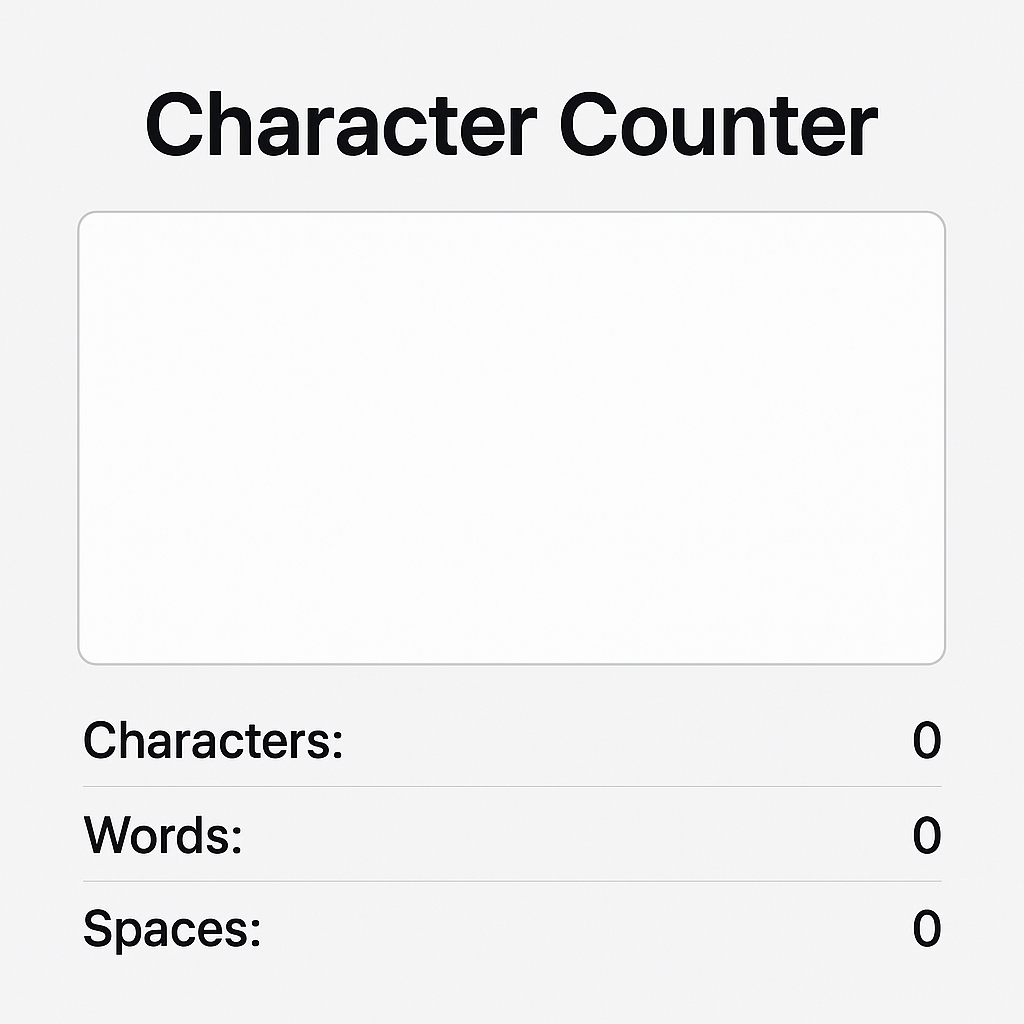
Character counter
Created on 1 October, 2025 • Text Tools • 77 views • 2 minutes read
"Use our free Character Counter to count characters, words, and spaces instantly. Perfect for SEO, social media, academic writing, and coding."
Character Counter – Count Characters, Words, and Spaces EasilyA character counter is a useful online tool that helps writers, students, developers, and marketers count the number of characters, words, and spaces in their text. Whether you are writing for social media, academic purposes, or coding, knowing the exact character count ensures your content fits specific requirements. This article explains what a character counter is, its importance, and how you can use it effectively.
What is a Character Counter?
A character counter is a digital tool designed to count the total number of characters in a given text. It usually counts:
Characters with spaces
Characters without spaces
Words and sentences
This tool is widely used in online platforms where text length is restricted, such as Twitter posts, SMS messages, Google Ads, and meta descriptions. Instead of manually counting, a character counter provides instant and accurate results.
Why is a Character Counter Important?
1. Social Media Posts
Social platforms like Twitter (X) and LinkedIn often have character limits. A character counter ensures your post does not exceed the limit while maintaining readability and engagement.
2. SEO Content Writing
Search engines recommend that meta titles and descriptions stay within specific character limits. For example:
Meta Title: up to 60 characters
Meta Description: up to 160 characters
Using a character counter helps writers optimize their SEO content correctly.
3. Academic and Professional Writing
Students and professionals often need to meet word or character requirements in essays, reports, or applications. A character counter provides a quick way to check if the content meets those guidelines.
4. Developers and Programmers
Programmers working with code snippets, APIs, or databases often have character restrictions. A character counter ensures that text strings fit into required fields without errors.
Features of a Good Character Counter
A reliable character counter usually provides:
Real-time counting – updates as you type.
Word count – useful for essays and articles.
Sentence and paragraph count – helpful for structuring content.
Copy-paste support – allows quick checking of existing text.
Mobile-friendly design – for easy use on smartphones.
How to Use a Character Counter Effectively
Step 1: Paste or Type Your Text
Open the character counter tool and paste your text or type directly into the input box.
Step 2: View the Results
The tool will instantly display the number of characters, words, and spaces.
Step 3: Adjust Content if Needed
If your text exceeds a limit (e.g., a tweet of 280 characters), shorten or edit until it fits perfectly.
Benefits of Using an Online Character Counter
Saves time by avoiding manual counting.
Ensures accuracy in character and word limits.
Improves SEO by keeping titles and descriptions within Google’s guidelines.
Helps social media managers create engaging yet concise posts.
Useful for writers, coders, and students alike.
Conclusion
A character counter is more than just a simple tool—it is essential for anyone who writes, codes, or manages online content. From social media posts to SEO optimization and academic assignments, it ensures your text remains precise and effective. Using a character counter saves time, improves accuracy, and keeps your writing within the required limits.
Popular posts
-
Barcode readerMisc Tools • 279 views
-
Color pickerMisc Tools • 205 views
-
Exif readerMisc Tools • 202 views
-
SHA-256 generatorGenerator tools • 154 views
-
Ip LookupChecker Tools • 147 views