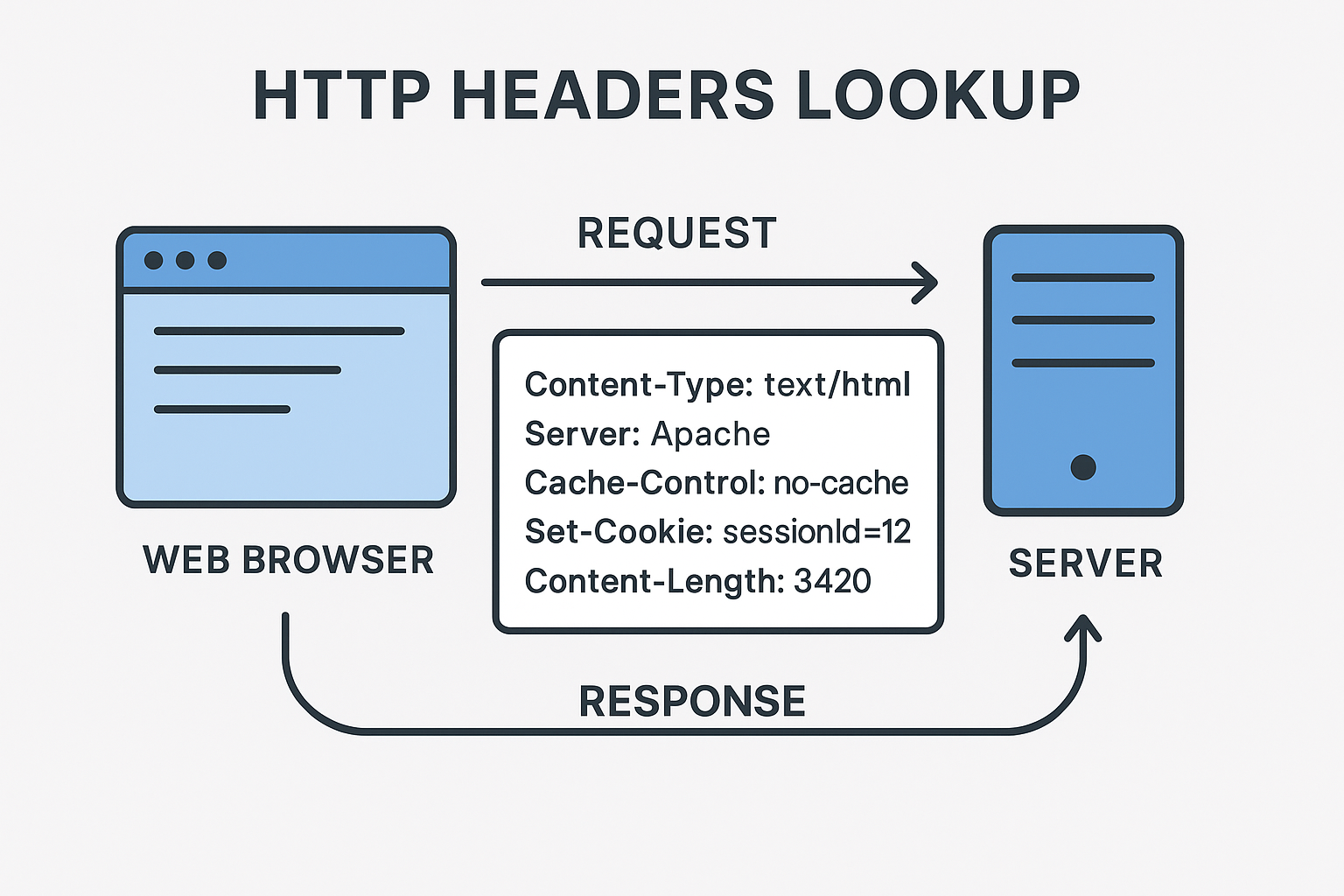
HTTP headers lookup
Created on 29 September, 2025 • Checker Tools • 78 views • 2 minutes read
"Learn everything about HTTP Headers Lookup – how to check response headers, improve website security, boost SEO, and troubleshoot performance issues with practical tools and methods."
HTTP Headers Lookup: A Complete GuideWhen you visit a website, your browser and the server exchange important information through HTTP headers. These headers carry metadata that helps in understanding how the web page should be displayed, cached, or secured. Performing an HTTP headers lookup allows developers, SEO specialists, and cybersecurity experts to analyze these headers for performance, troubleshooting, and security improvements.
What is HTTP Headers Lookup?
HTTP headers lookup is the process of checking and analyzing the HTTP response headers sent by a server. These headers are invisible to regular users but play a crucial role in how websites operate. By performing a lookup, you can identify technical details such as:
Server type and version
Content type (HTML, JSON, XML, etc.)
Cache control policies
Security-related headers (e.g., HTTPS, HSTS, CSP)
Cookies and session details
This information helps in diagnosing issues, improving website performance, and ensuring compliance with best practices.
Why Are HTTP Headers Important?
HTTP headers are essential because they dictate how browsers and search engines interact with a website. Some of the key benefits include:
1. Security Enhancements
Headers like Strict-Transport-Security (HSTS), Content-Security-Policy (CSP), and X-Frame-Options help protect websites from common cyber threats such as clickjacking, cross-site scripting (XSS), and man-in-the-middle attacks.
2. SEO and Performance
Headers like Cache-Control and ETag improve page speed and reduce server load, which are critical factors for SEO ranking. Search engines also respect 301 redirects defined in headers to understand URL changes.
3. Troubleshooting
When a website experiences issues, analyzing headers can reveal misconfigurations such as incorrect MIME types, caching errors, or missing security directives.
How to Perform an HTTP Headers Lookup
There are several ways to check HTTP headers:
Using Online Tools
Many free tools allow you to enter a URL and instantly view the HTTP response headers. These tools provide detailed breakdowns, making it easy for non-technical users.
Using Browser Developer Tools
Most modern browsers (Chrome, Firefox, Edge) have developer tools where you can inspect network requests and see headers directly.
Using Command Line
For developers and system administrators, commands like curl -I https://example.com or wget --server-response display headers in the terminal.
Common HTTP Headers to Look For
Content-Type – Defines the type of content (e.g., text/html, application/json).
Cache-Control – Specifies caching policies for browsers and proxies.
Set-Cookie – Manages sessions and authentication.
Server – Reveals the server software (Apache, Nginx, etc.).
Location – Used in redirects.
Strict-Transport-Security – Forces browsers to use HTTPS.
Conclusion
Performing an HTTP headers lookup is a valuable practice for webmasters, developers, and SEO professionals. It not only helps enhance website security but also improves loading speed and ensures proper communication with search engines. By regularly analyzing headers, you can maintain a secure, fast, and SEO-friendly website.
Popular posts
-
Barcode readerMisc Tools • 279 views
-
Color pickerMisc Tools • 205 views
-
Exif readerMisc Tools • 202 views
-
SHA-256 generatorGenerator tools • 154 views
-
Ip LookupChecker Tools • 147 views